Eminder
Notes, tasks and study. One calm place for school.
Coming soon on theApp Store
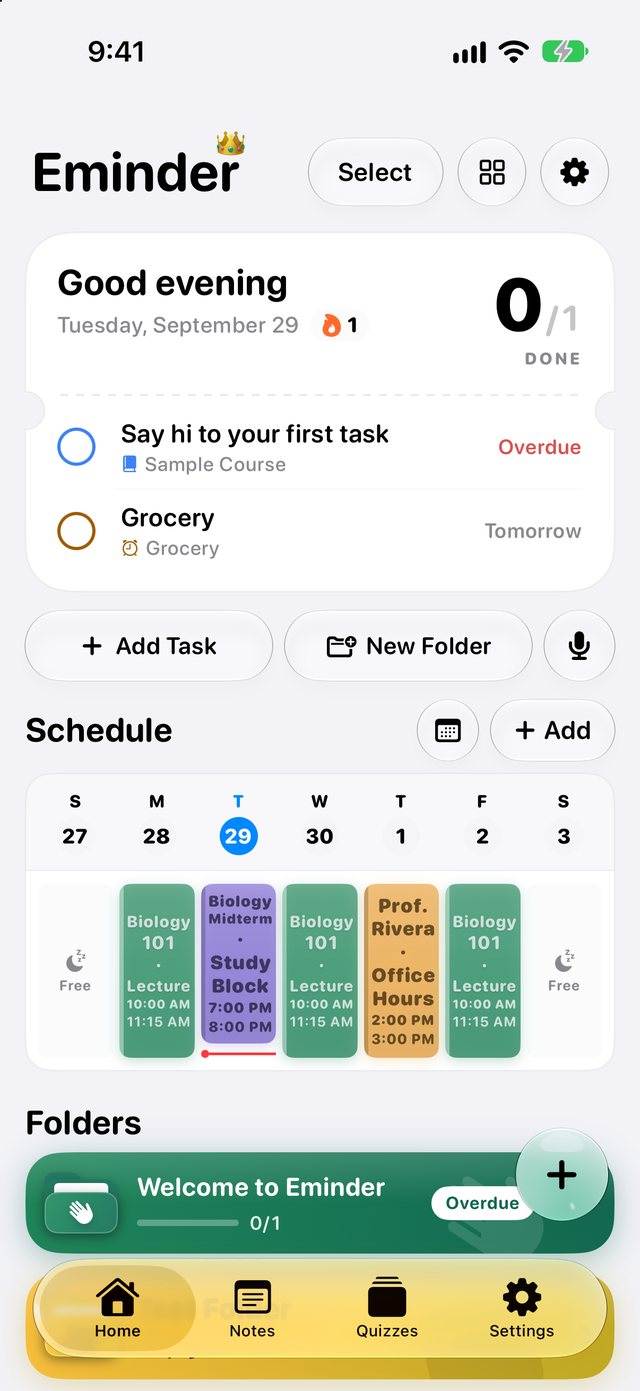
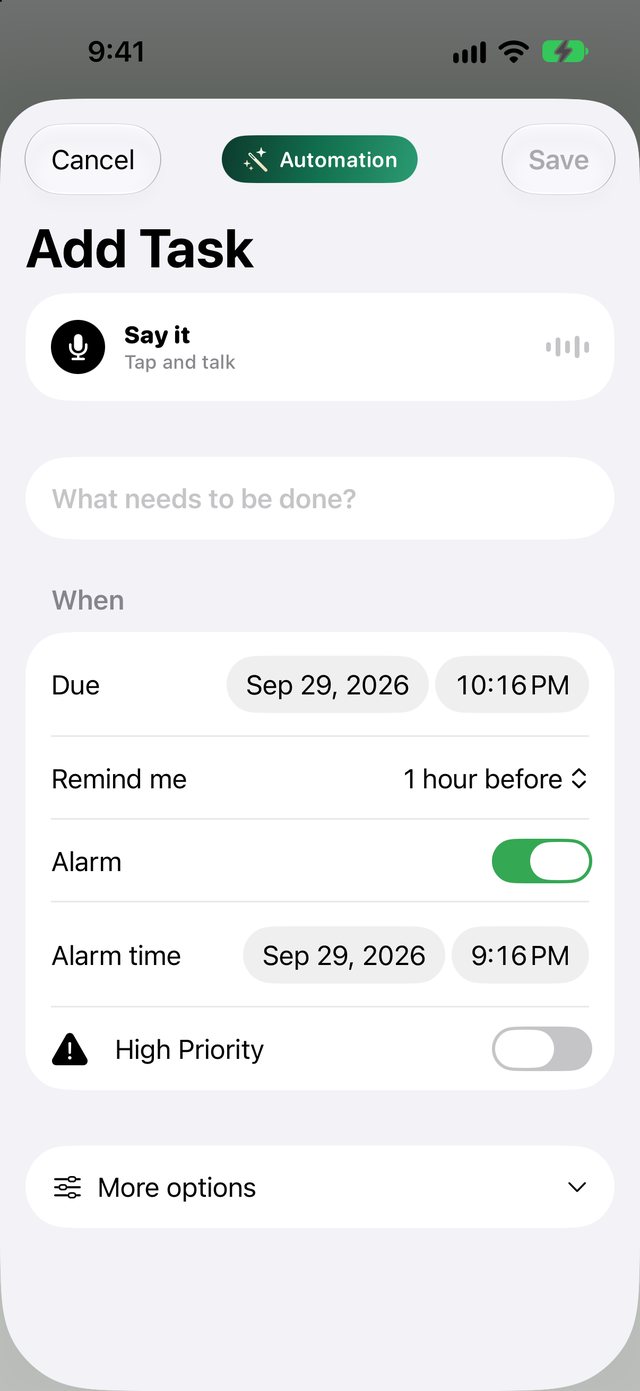
Never miss a due date.
Add a task in seconds. Set a reminder, or an alarm that actually rings.
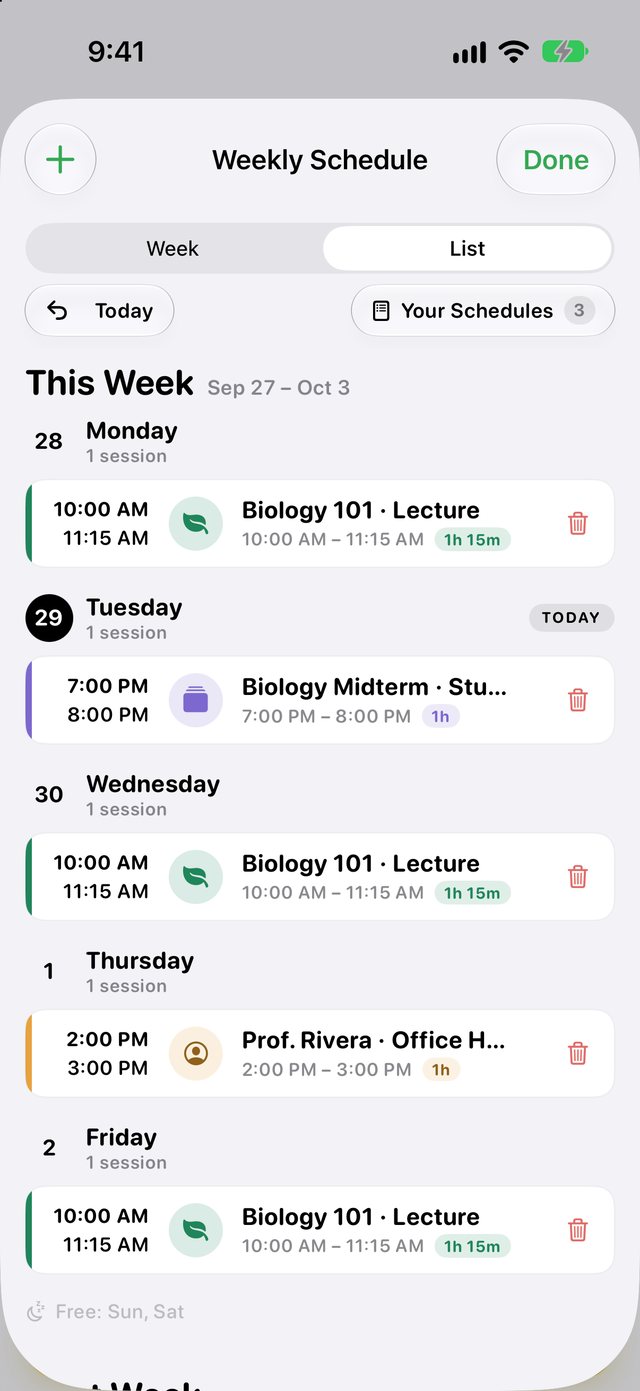
Your week, at a glance.
Every class and study block, as a list or a week grid. What's next sits right on Home.
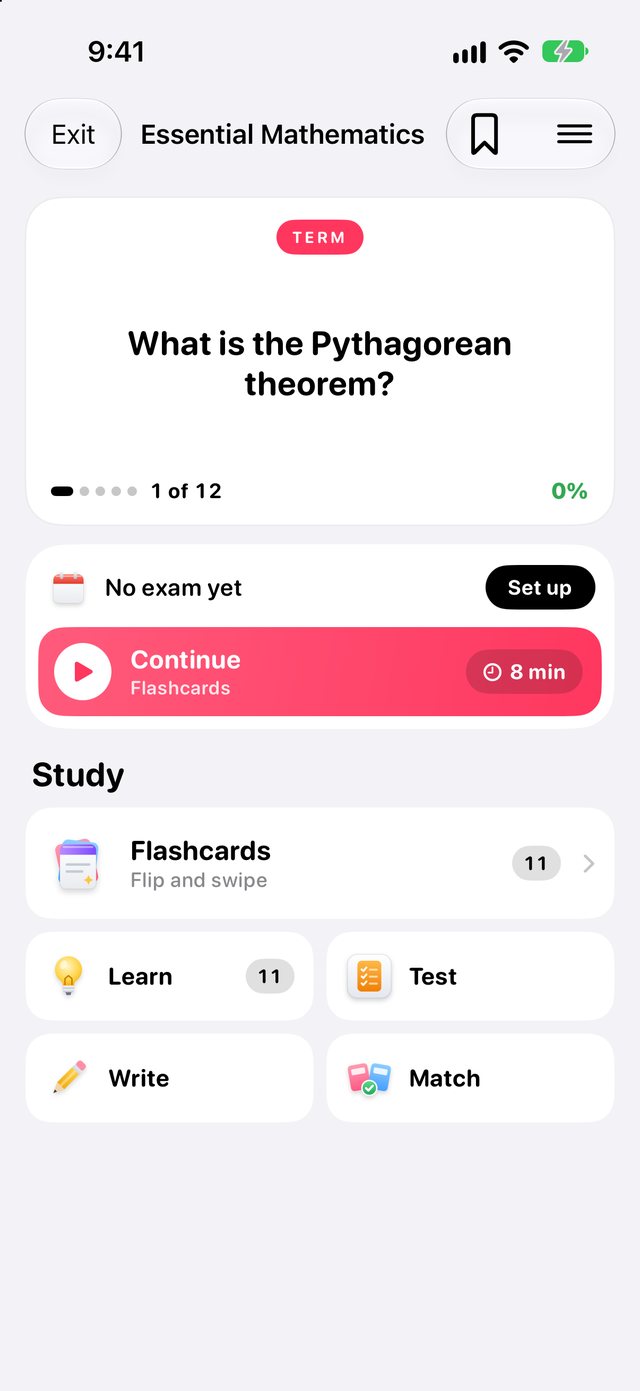
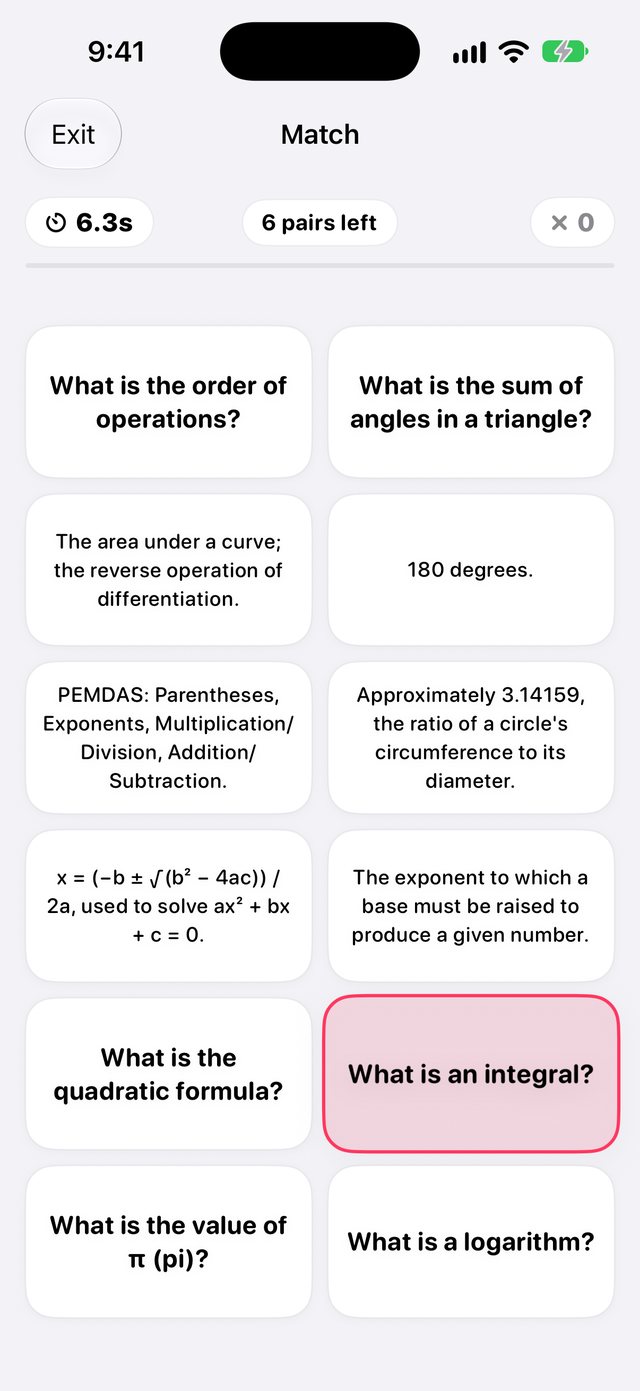
Five ways to know it cold.
Make a deck in a minute. Then study it the way that sticks.
- Flashcards
- Learn
- Write
- Match
- Test
Everything school needs.

Notes you can draw in
Type, sketch and add photos in any note.

Record a class
Save the audio and turn it into notes.

A folder per class
Keep each course's work in one place.

Syllabus import
Bring in a syllabus. The dates fill in.

Community decks
Find decks other students made, or share yours.

Widgets
See what's due without opening the app.
Less busywork. More learning.
Pro adds cloud AI that turns your class material into study tools.
- Clean transcripts from recordings
- Flashcards from notes, PDFs and slides
- Study guides
- Practice tests
- Smart syllabus import
Free stays free: notes, tasks, folders, your own decks and every study mode. Pro includes a fair monthly AI limit. Cancel anytime.
Your notes stay yours.
No ads. No tracking. Your notes, tasks and decks live on your iPhone.
Read the privacy policyQuestions
Is Eminder free?
Yes. Notes, tasks, folders, your own decks and every study mode are free. Pro adds the AI features.
What does Pro add?
Clean transcripts from recordings, flashcards from notes, PDFs and slides, study guides, practice tests and smart syllabus import.
Do I need an account?
Not for the basics. Sign in with Apple, Google or email to get Pro or share decks.
Does AI read my notes?
Only what you send to an AI feature, and only on Pro. The free plan never sends your content to AI.
Which iPhones work?
Any iPhone on iOS 17 or later.
When can I get it?
Soon. Eminder is coming to the App Store for iPhone.
Stay on top of school.
Coming soon on theApp Store